Recognition runs locally
Text is read on your device by the extension itself. It works offline.
Right-click an image or drag over anything on the page. Recognition runs on your device. Nothing is uploaded.
Chrome and Chromium browsers / Works offline / English
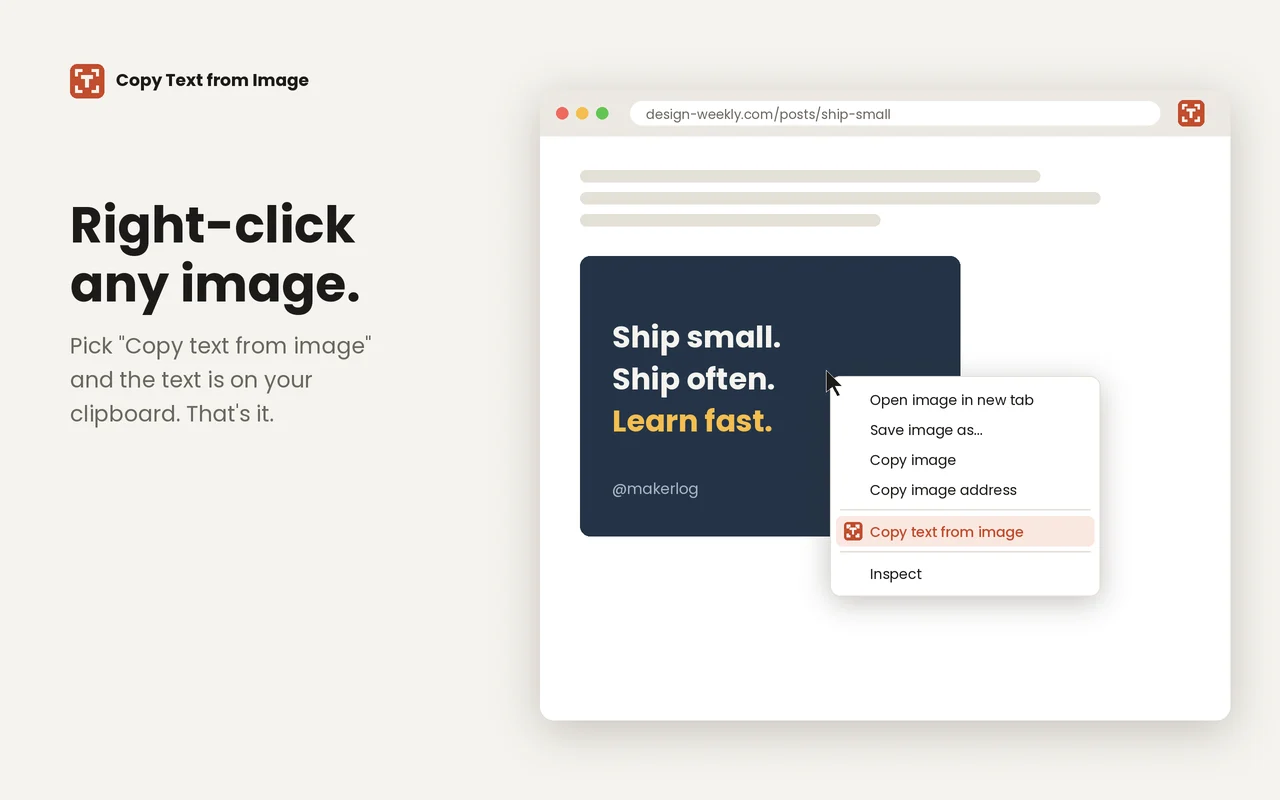
Choose “Copy text from image” from the menu.
Image → clipboardPress Cmd+Shift+Y (Ctrl+Shift+Y on Windows) and drag a box over video frames, charts, or text a site won’t let you select.
Selection → clipboardPaste it wherever you need it.
Ready to paste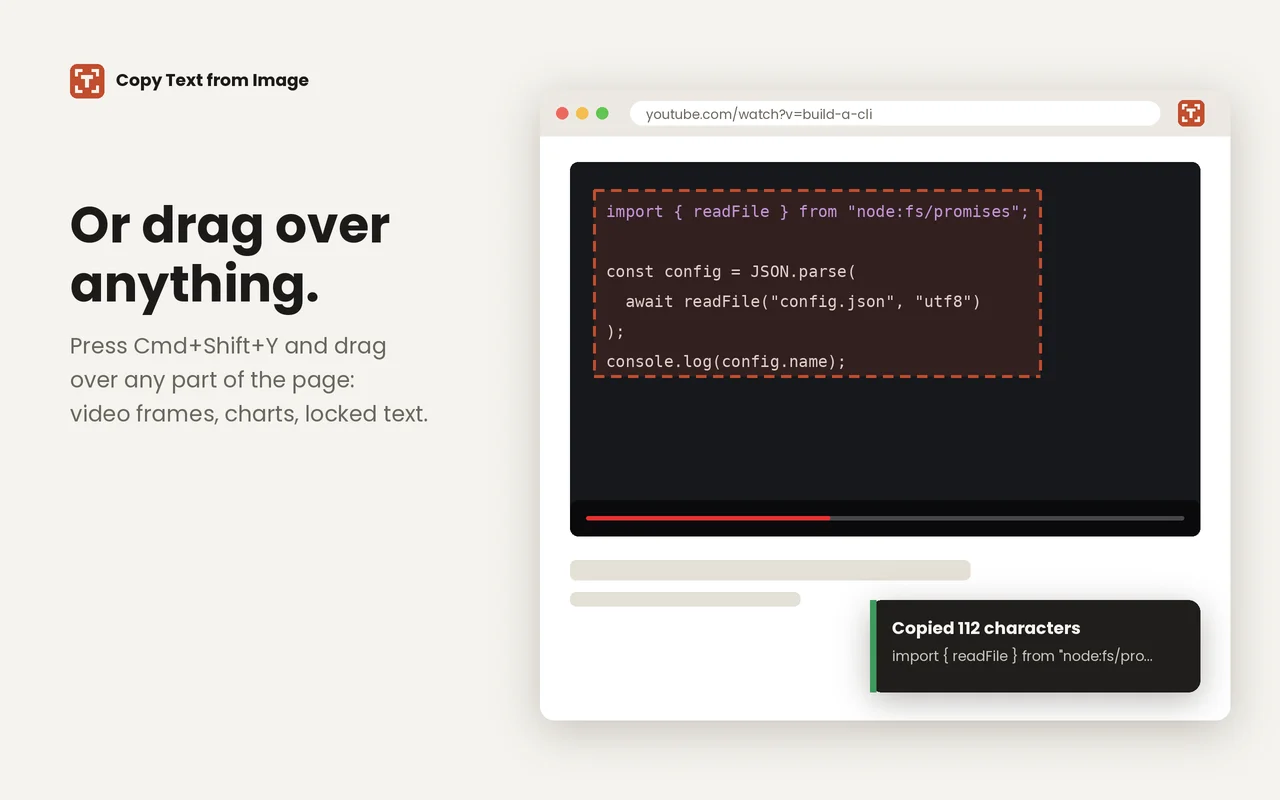
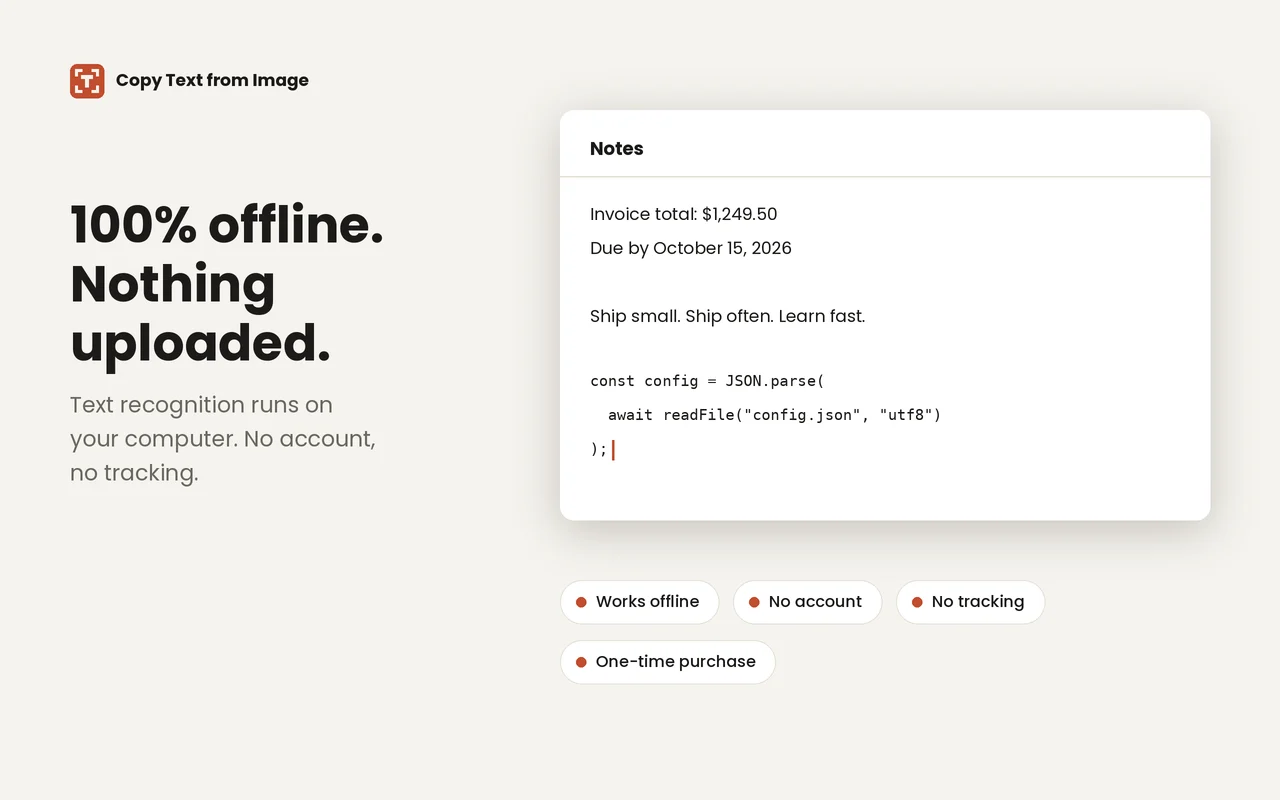
Text is read on your device by the extension itself. It works offline.
Screenshots, images, and recognized text are never uploaded. We never see them.
The only request is a license check with the payment provider, Dodo Payments. It carries the key and a device label, nothing else.
No analytics, no tracking, no accounts. The free-capture count and your key stay in your browser.
$4.99 one time
Unlimited captures after your first 10. No subscription. One license works on up to 3 devices.
Yes. Recognition runs on your device, so it works without a connection. Only activating a license needs the network.
English for now.
Printed text works best. Handwriting and decorative fonts may not read well.
Chrome and Chromium browsers such as Edge and Brave.
Email hello@raegent.com and we will sort it out.
Email hello@raegent.com.